Replacement Garage Remote: Top 5 Guide
Why Your Garage Remote Matters for Daily Convenience and Home Security
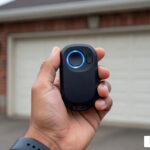
A replacement garage remote is essential when your current remote stops working due to dead batteries, physical damage, or simply getting lost. Most homeowners can find compatible replacements through their garage door opener manufacturer (OEM remotes) or choose universal remotes that work with multiple brands. Here’s what you need to know:
Quick Guide to Getting a Replacement Remote:
- Identify your opener model – Check the label on your garage door motor for the brand (LiftMaster, Chamberlain, Genie, etc.) and model number
- Choose your remote type – OEM remotes offer guaranteed compatibility, while universal remotes typically cost less and work with most post-1993 openers
- Match the frequency – Most openers use either 315MHz or 390MHz signals
- Note the Learn button color – Yellow, purple, red/orange, or green indicates specific security protocols
- Purchase from retailers – Available at home improvement stores, online retailers, or directly from manufacturers
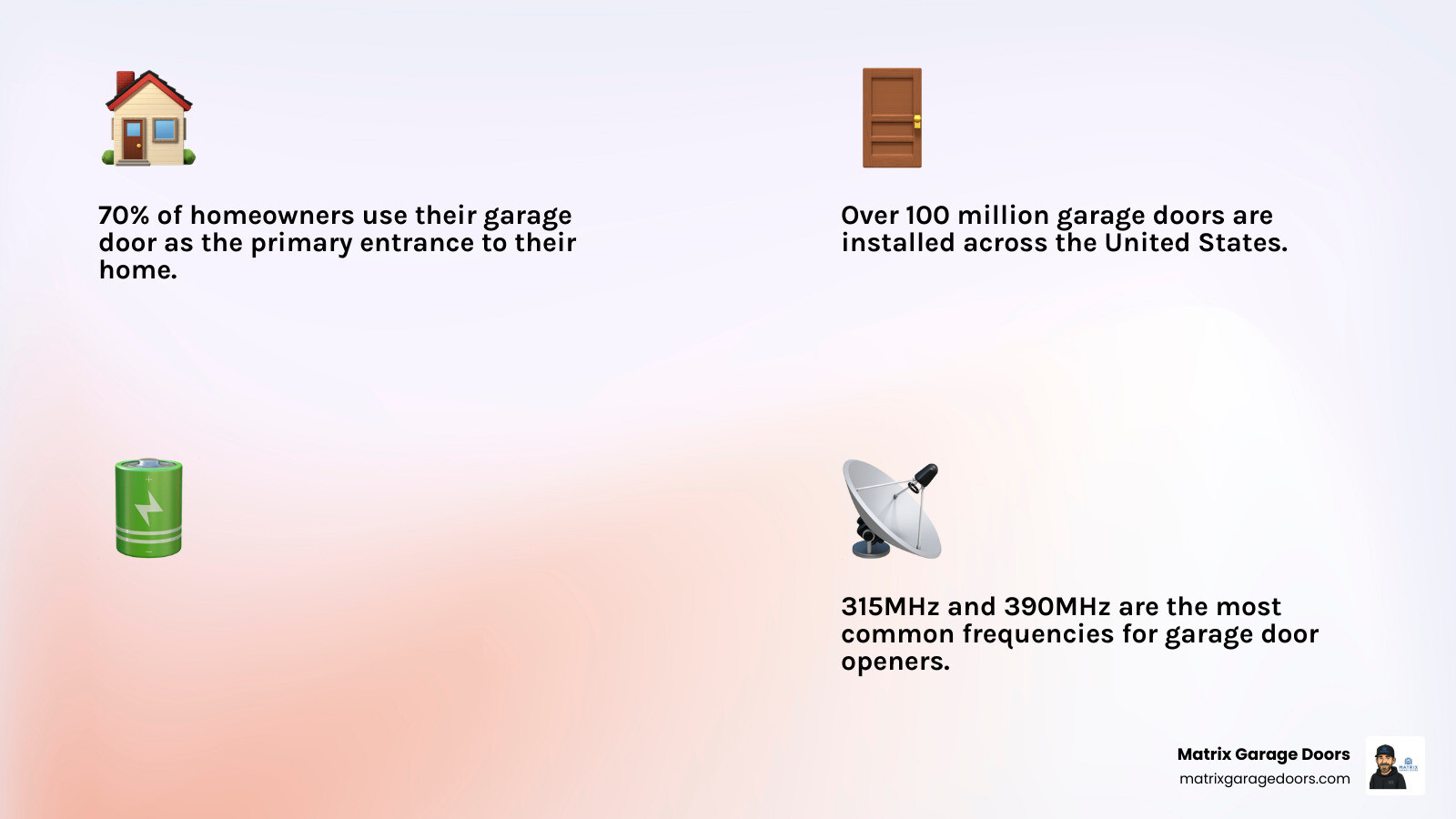
This matters because over 70% of homeowners use their garage door as the primary entrance to their homes, making a working remote critical for daily convenience and security. With more than 100 million garage doors across the United States, remote failures are incredibly common—especially since batteries typically last only about two years.
I’m Andrew Hopson, and through my work with Matrix Garage Doors serving homeowners throughout the Columbus area, I’ve helped hundreds of families restore convenient access by matching them with the right replacement garage remote and ensuring proper programming. Whether you’re dealing with a lost remote, upgrading for better security, or simply replacing a worn-out transmitter, understanding your options makes the process straightforward.
Why You Need a Replacement Garage Remote
At Matrix Garage Doors, we see it all the time: you’re heading home after a long day in Dublin or Westerville, you click the button, and… nothing. It’s a moment of pure frustration that can bring your entire schedule to a halt. While we offer comprehensive garage services and repairs for major mechanical failures, often the culprit is simply a faulty remote.
There are several common reasons why you might need a replacement garage remote:
- Dead Batteries: This is the #1 reason remotes stop working. Garage door remote batteries typically last about two years. In colder climates like New Albany or Powell, OH, the winter chill can actually accelerate battery drain, leaving you stranded in the driveway.
- Signal Interference: Your remote competes with other electronics. Everything from wireless doorbells to LED light bulbs and even your neighbor’s Wi-Fi can interfere with the 315MHz or 390MHz radio frequencies your system uses.
- Physical Damage: Let’s face it—remotes take a beating. They get dropped on concrete, stepped on, or exposed to moisture. If the internal circuit board is cracked or corroded, a replacement is the only solution.
- Lost or Stolen Remotes: If a remote goes missing, it’s not just an inconvenience; it’s a security risk. If you’ve lost a remote, we recommend clearing your opener’s memory immediately to prevent unauthorized access.
Modern systems utilize rolling code technology (like Genie’s Intellicode or LiftMaster’s Security+). This security feature ensures that the access code changes every time you press the button, choosing from billions of combinations. This prevents “code grabbing,” where a thief could intercept your signal. If you are using an older system without this technology, upgrading to a modern replacement garage remote is a significant step forward for your home’s safety.
Identifying the Right Replacement Garage Remote for Your System
Before you run out to buy a new clicker, you need to play detective. Not all remotes work with all openers. The most reliable way to find a match is to look at the motor unit hanging from your garage ceiling. You are looking for the brand name, the model number, and the manufacture date.
| Remote Type | Best For | Pros | Cons |
|---|---|---|---|
| OEM (Original Equipment Manufacturer) | Specific brands (Genie, LiftMaster) | Guaranteed compatibility; full feature support | Often more expensive |
| Universal Remote | Multiple brands; older systems | Cost-effective; works across brands | May require complex setup |
| Smart Remote/App | Tech-savvy homeowners | Control from anywhere; notifications | Requires Wi-Fi and smartphone |
If your opener was made before 1993, it likely uses “dip switches”—small physical switches inside the remote that must match the opener. Modern systems (post-1993) use a “Learn” button for digital pairing. You can find replacement remotes at Home Depot or other major retailers once you know your specs.
Understanding Learn Button Colors and Compatibility
The “Learn” button is the secret key to your garage door opener. Its color tells us exactly what frequency and security protocol your machine uses.
- Yellow Button: Indicates Security+ 2.0 technology. This is the newest standard, typically operating on a tri-band frequency to virtually eliminate interference.
- Purple Button: Uses 315MHz frequency and Security+ rolling code technology. Common in models from the mid-2000s.
- Red or Orange Button: Uses 390MHz frequency with Security+ technology. These were very popular in the late 90s and early 2000s.
- Green Button: Found on older models (early 90s) using a billion-code system on 390MHz.
Matching your replacement garage remote to the Learn button color is the fastest way to ensure you aren’t buying a paperweight.
How to Program Your New Remote and Keypad
Programming a remote is a straightforward DIY task, but safety must come first. When we perform a garage door opener installation, we always emphasize these precautions:
- Use a Stable Ladder: Ensure your ladder is on level ground.
- Clear the Path: Make sure no people, pets, or vehicles are under the door. During programming, the door will likely move.
- Check the IR Beams: Ensure your safety sensors (the “eyes” at the bottom of the tracks) are aligned and clean.
- Avoid Loose Clothing: You don’t want anything getting caught in the drive chain or belt while you’re up there.
Step-by-Step Programming for a Replacement Garage Remote
Most modern openers give you a 30-second programming window once the Learn button is pressed. Here is the general process:
- Locate the Learn Button: It’s usually found under the light cover on the motor unit, near the antenna wire.
- Press and Release: Press the Learn button once. The LED indicator light will glow steadily.
- Press the Remote Button: Within 30 seconds, press the button on your replacement garage remote that you wish to use.
- Confirm the Signal: The opener lights will blink, or you’ll hear two clicks. This means the pairing was successful.
- Test: Step back and press the button to ensure the door operates correctly.
If you are moving into a new home in Hilliard or Upper Arlington, we highly recommend clearing old codes first. To do this, press and hold the Learn button for about 6-10 seconds until the LED goes out. This wipes all previous remotes from the memory, ensuring the previous owners can’t walk right in!
Syncing Additional Devices: Keypads, HomeLink, and Smart Apps
Beyond the standard visor clip remote, many homeowners want the convenience of keypads or in-car systems. We provide comprehensive garage door services to help with these advanced setups.
- Wireless Keypads: These are programmed similarly to remotes. You’ll enter a 4-digit PIN on the keypad, press the Learn button on the motor, and then press “Enter” on the keypad to sync.
- HomeLink (In-Car Systems): Many vehicles, including over 42 million Fords on the road today, come with HomeLink. You can program your vehicle with HomeLink by holding your existing remote near the car’s buttons while following the vehicle’s specific pairing sequence.
- Smart Apps (myQ or Aladdin Connect): If you want to open your door from your phone while you’re at work in downtown Columbus, you’ll need to pair your opener with your home Wi-Fi. This usually involves downloading an app and following a step-by-step digital wizard.
Troubleshooting and Professional Maintenance
Sometimes, even with a brand-new replacement garage remote, things don’t go as planned. If you’ve followed the steps and the door still won’t budge, check these common issues:
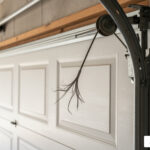
- Antenna Alignment: The small wire hanging from your opener is the antenna. It should hang straight down. If it’s bent or tucked inside the housing, your range will be terrible.
- LED Bulb Interference: Believe it or not, some LED bulbs emit signals that block garage remotes. If your remote only works when the garage lights are off, try switching to a bulb specifically rated for garage openers.
- Lock Mode: Check your wall console. Many have a “Lock” or “Vacation” button. If this is activated, it will block all remote signals while still allowing the wall button to work.
- Internal Receiver Issues: If the wall button works but no remotes will pair, the logic board inside the opener might be failing.
If you’re unsure about the health of your system, you can check our garage door service price guide to see how affordable a professional tune-up can be. Regular maintenance prevents the “cold weather drain” that often kills batteries and sensors during Ohio winters.
Frequently Asked Questions about Replacement Garage Remotes
How do I clear all existing codes from my opener before programming?
To perform a full memory reset, locate the Learn button on your motor unit. Press and hold it for approximately 6 to 10 seconds. Once the LED light goes out, all previous remotes and keypads have been erased. This is a vital security step when moving into a new home or if you have lost a remote.
Can I use one remote to control multiple garage doors?
Yes! Most replacement garage remote models come with 2 or 3 buttons. Each button can be programmed to a different opener, provided they are compatible with the same frequency. This allows you to control your main two-car garage and a separate side door or shed with a single device.
Why does my new remote only work from a very short distance?
This is usually caused by signal interference or a poor antenna. Ensure your antenna wire is hanging straight. Also, check for metal shielding; if your garage door is heavy-duty steel, it can act as a “Faraday cage,” blocking the signal. Lastly, ensure you aren’t using a cheap battery—always use high-quality lithium-ion batteries for maximum range.
Conclusion
A replacement garage remote is a small device that makes a massive difference in your daily life. Whether you are in Bexley, Gahanna, or Grove City, having reliable access to your home is a matter of both convenience and safety. At Matrix Garage Doors, we’ve spent two decades serving the Columbus, OH community with 24/7 emergency repairs and professional installations.
We are a family-owned company dedicated to keeping your home secure and your garage doors moving smoothly. If you’re struggling with a stubborn remote, or if it’s time to upgrade your system with professional garage door opener installation, give us a call. We’re here to help you get back into your garage without the hassle.